
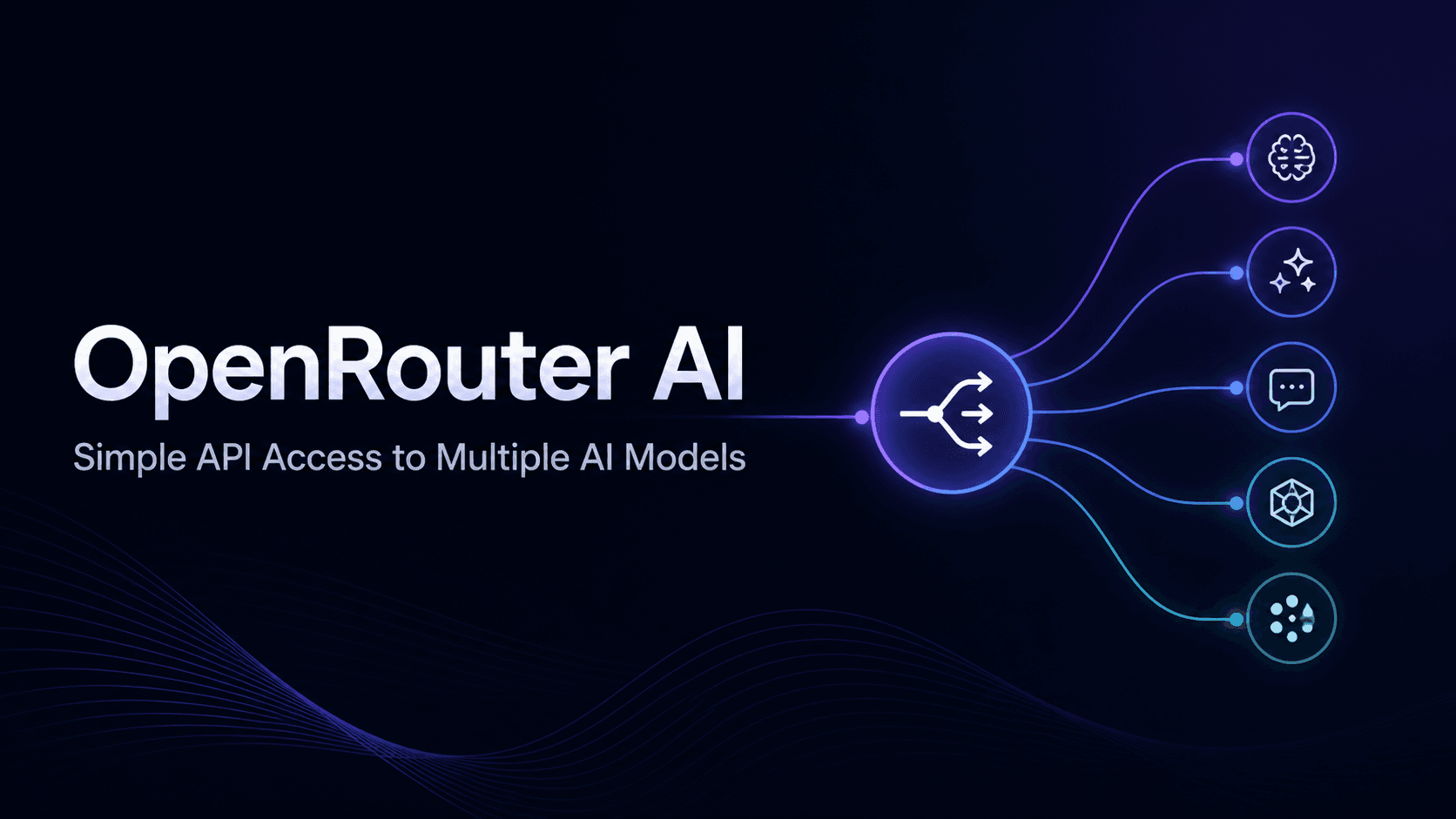
How to Use OpenRouter API: Complete Guide with Python Tutorial
The OpenRouter API provides developers with access to hundreds of AI models through a single API key. Instead of managing separate accounts for OpenAI, Anthropic, Google, Meta, Mistral, DeepSeek, and other providers, OpenRouter lets you call different models from one endpoint.
This guide explains what OpenRouter does, how to create an API key, how to make your first Python request, and how to choose models based on cost, speed, and use case.
What Is OpenRouter?

OpenRouter is a unified AI model gateway. It connects your application to multiple large language models through a single API.
With OpenRouter, you do not need separate API keys, dashboards, and billing systems for every AI provider. You create one account, generate one API key, and use that key to access many models.
This is useful for developers who want to:
- Test different LLMs without rewriting code
- Switch between models quickly
- Use free models for experiments
- Access paid frontier models when quality matters
- Manage AI usage from one dashboard
- Build chatbots, AI assistants, document tools, and automation systems
OpenRouter uses an OpenAI-compatible API format, so developers who already use the OpenAI Python SDK can switch with minimal code changes.
How OpenRouter Works
OpenRouter sits between your application and the AI model provider. Your app sends a request to OpenRouter, in that includes model name and prompt. OpenRouter authenticates the request, routes it to the selected provider, and returns the response in a standard format.
The main advantage is simple:
You change the model name, not your entire integration.
For example, you can test a free Llama model, then switch to Claude or GPT by changing the model value in your code.
How to Get an OpenRouter API Key
To start using OpenRouter:
- Go to
openrouter.ai - Sign in or create an account
- Open your dashboard
- Go to the Keys section
- Click Create Key
- Give the key a clear name, such as
python-testorchatbot-dev - Copy the key and store it safely
Do not hardcode your API key inside your project files. Use environment variables instead.
Example .env file:
OPENROUTER_API_KEY=your-api-key-here
from dotenv import load_dotenv
import os

load_dotenv()

api_key = os.getenv("OPENROUTER_API_KEY")
Making Your First API Request with Python
OpenRouter works with the OpenAI Python SDK because it uses an OpenAI-compatible structure. Install the required packages:
pip install openai python-dotenv
Basic Python example:
from openai import OpenAI
from dotenv import load_dotenv
import os

load_dotenv()

client = OpenAI(
    base_url="https://openrouter.ai/api/v1",
    api_key=os.getenv("OPENROUTER_API_KEY")
)

response = client.chat.completions.create(
    model="meta-llama/llama-3.1-8b-instruct:free",
    messages=[
        {
            "role": "user",
            "content": "Explain what an API is in simple terms."
        }
    ]
)
print(response.choices[0].message.content)
The main thing to notice is the base_url. Instead of sending the request directly to OpenAI, the request goes through OpenRouter.
How to Switch Models
One of OpenRouter’s strongest benefits is model switching. You can move from a free model to a paid model by changing the model name in your request. For example:
- Use a free model for testing
- Use a stronger model for production
- Use a coding model for programming tasks
- Use a long-context model for large documents
This helps developers compare output quality, speed, and cost without rebuilding the whole integration.
How to Choose the Right Model
Not every task needs the most expensive AI model.
Use this simple guide:
| Task | Model Type to Use |
|---|---|
| Simple questions | Free or low-cost modell |
| Summaries | Free or mid-tier model |
| Classification | Low-cost model |
| Customer support chatbot | Mid-tier or strong model |
| Code generation | Coding-focused model |
| Complex reasoning | Advanced model |
| Long documents | Large-context model |
Start small when testing. Use stronger models when output quality affects the user experience.
Understanding Pricing
OpenRouter uses a credit-based system. Some models are free, while paid models charge based on token usage. Tokens are small pieces of text processed by the model. Both your input and the model’s output count toward usage.
This means cost depends on:
- The model you choose
- The length of your prompt
- The length of the response
- The number of requests you make
- Whether you use free or paid models
For early testing, free models can help reduce cost. For production, choose models based on reliability, speed, and output quality.
Common OpenRouter Use Cases

Chatbots
You can use OpenRouter to power customer support bots, internal assistants, onboarding guides, and product copilots.
Document Processing
OpenRouter can help summarize documents, extract information, classify text, and turn unstructured content into cleaner outputs.
AI Automation
Developers can connect OpenRouter to automation tools like n8n, CRMs, helpdesk tools, and internal workflows.
Model Testing
You can send the same prompt to different models and compare the results. This helps you decide which model works best for your product.
OpenRouter and Tokenware
OpenRouter belongs to the AI gateway category. It helps developers access multiple AI models through one API.
Tokenware fits into a similar category. It is designed for teams that want unified access to AI models and API-based AI features across text, image, video, audio, and developer infrastructure. When comparing AI API platforms, look at:
Available models
- API compatibility
- Pricing
- Usage visibility
- Documentation quality
- Model switching
- Reliability
- Developer experience
The right platform should reduce integration stress and help teams build AI features faster.
Common Issues Developers Face
Authentication Errors
This usually happens when the API key is missing, incorrect, or not passed properly.
Model Not Found
This happens when the model name is wrong or no longer available. Always copy the exact model ID from OpenRouter’s model catalog.
Insufficient Credits
Paid models need credits. If your balance is empty, requests to paid models may fail.
Slow Responses
Some models take longer to respond than others. For real-time apps, test faster models or use streaming.
Rate Limits
If you send too many requests too quickly, you may hit a rate limit. Add retry logic or reduce request volume.
Where Tokenware Fits for Developers Comparing OpenRouter
OpenRouter has become a useful option for developers who want access to various AI models without having to open separate accounts with each provider. It gives developers one route to test models like GPT, Claude, Gemini, Llama, Mistral, and other LLMs from a single API setup.
However, Tokenware is designed for developers and software teams that do not want AI access to stop at text models alone. A modern AI product may need chat today, image generation tomorrow, video output next month, and audio features later. That means the AI layer needs to support multiple model types.
This is where Tokenware becomes relevant. It gives teams a clearer way to think about AI APIs as part of a product stack, not as scattered tools. Instead of treating every provider, model, and modality as a separate integration problem, Tokenware helps developers work from a more unified platform layer.
For a developer comparing OpenRouter with other AI API platforms, the main question should not only be, “How many models can I access?” A better question is, “How easily can my team build real AI features with these models?”
That is the gap Tokenware aims to address. Developers need model access, but they also need cleaner ways to test outputs, manage usage, compare tasks, and expand from LLMs into image, video, and audio features when the product grows.
For example, a support tool may start with a chatbot. Later, the same product may need call transcription, ticket summaries, and voice replies. An e-commerce platform may start with product descriptions, then add image cleanup, product video generation, and ad creative testing. A creator tool may need text, image, video, and voice features in the same product experience.
Tokenware gives teams a more practical path for that kind of growth. It helps developers avoid rebuilding their AI setup every time the product needs a new type of output.
So while OpenRouter is useful for multi-model LLM access, Tokenware sits as a broader AI API platform for teams that want text, image, video, audio, and model access to one product direction.
Conclusion
OpenRouter makes it easier to use multiple AI models through one API. It helps developers test models, switch providers, manage usage, and build AI features with less setup.
If you are building chatbots, automation tools, document apps, or AI-powered products, OpenRouter gives you a flexible way to start. Platforms like Tokenware also follow this direction by helping teams access AI models and build AI features through a unified API layer.
FAQs
1. What is OpenRouter API?
OpenRouter API is a unified gateway that gives developers access to multiple AI models through one API key.
2. Is OpenRouter free?
OpenRouter has some free models. Paid models require credits and charge based on usage.
3. Can I use OpenRouter with Python?
Yes. You can use OpenRouter with the OpenAI Python SDK by changing the base URL and using your OpenRouter API key.
4. Can I access GPT and Claude through OpenRouter?
Yes. OpenRouter provides access to models from providers like OpenAI and Anthropic, depending on availability and pricing.
5. How do I switch models in OpenRouter?
Change the model name in your API request. The rest of the request structure can stay the same.
6. Is OpenRouter compatible with OpenAI API?
Yes. OpenRouter uses an OpenAI-compatible format for chat completions.
7. What happens if I run out of credits?
Requests to paid models may fail, but free models may still work.
8. Can OpenRouter be used for production?
Yes. For production, use secure API key storage, error handling, retries, and usage monitoring.
9. How does Tokenware relate to OpenRouter?
Tokenware is another AI API platform category option for developers who want unified model access and API-based AI features.