
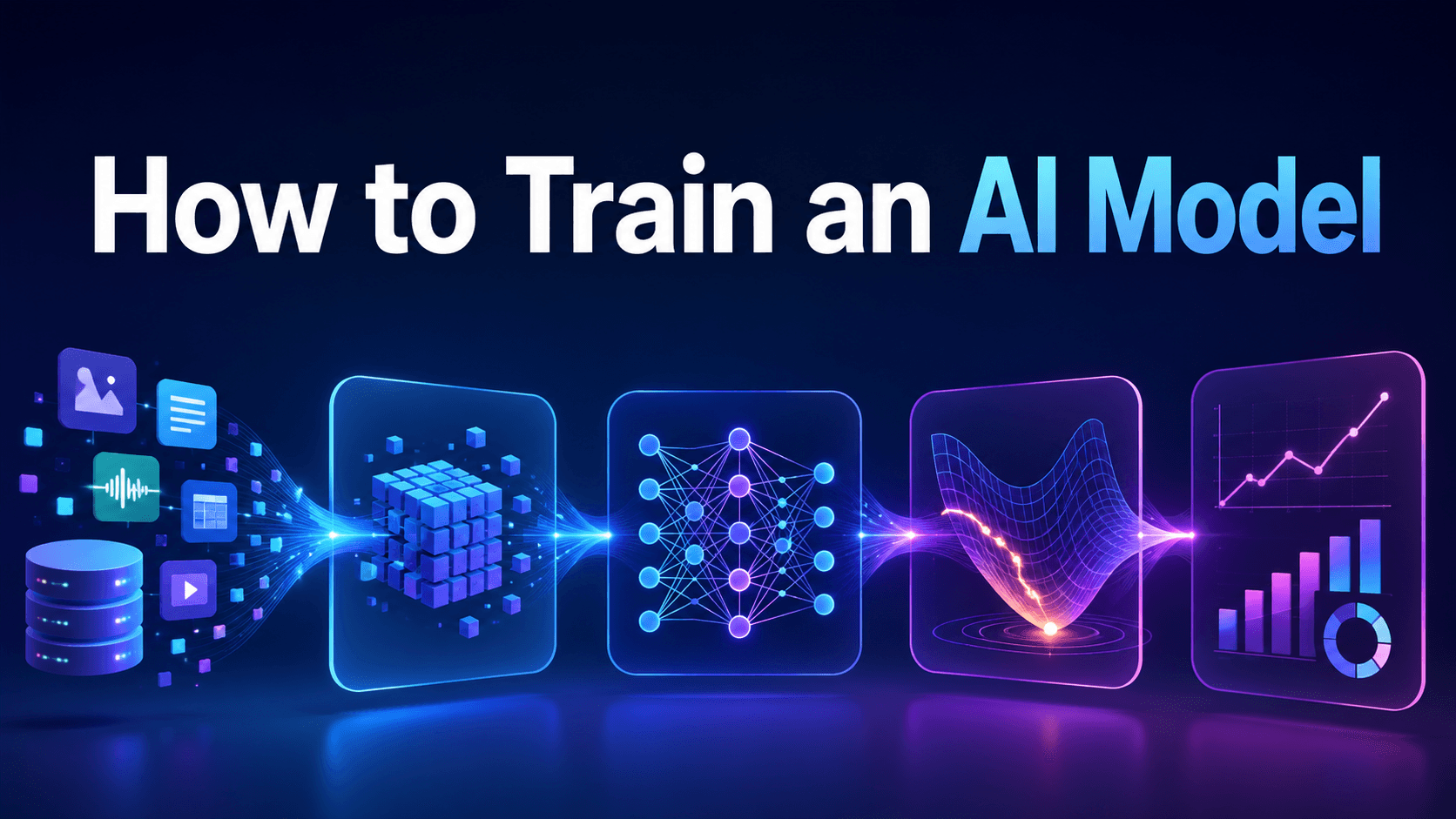
How to Train an AI Model: A Step-by-Step Guide
Most people think AI model training needs expensive hardware or a full engineering team. That is no longer true. You can fine-tune useful models on a laptop setup using Google Colab, open-source tools, and small, well-prepared datasets.
The real shift comes from how focused the task is. A model trained on a narrow problem, like support replies or product text, often performs better than larger general models built for everything. You do not need massive data. You need clean examples and a clear output format.
Training From Scratch vs Fine-Tuning vs Using an Existing Model

Before starting any AI project, decide whether you really need to train a model. In many cases, using an existing model through an API is faster and cheaper. Fine-tuning becomes useful when you need a model to perform a specific task in a consistent way.
| Approach | What it means | Best for |
|---|---|---|
| Training from scratch | Building a model with no prior knowledge using a large dataset and heavy compute | Research labs or teams with massive data and infrastructure |
| Fine-tuning | Taking a pre-trained model and adapting it to a specific task with a smaller dataset | Customer support bots, domain-specific writing, classification, internal tools |
| Using an existing model | Calling a ready-made model through an API or hosted platform | Fast prototypes, general writing, chatbots, summaries, image, audio, or video tasks |
For most teams, fine-tuning is the practical middle ground. It gives the model task-specific behavior without the cost and complexity of training from scratch.
Why Smaller, Specialized Models Often Win
One of the most persistent myths in AI is that you need massive datasets and expensive infrastructure to get good results. Research tells a different story. A fine-tuned model trained on 200–500 high-quality, task-specific examples can outperform much larger general models on narrow tasks.
The reason is specialization. A general model like GPT-4 is trained to handle almost anything, which means it spreads its capability broadly. A model fine-tuned specifically for customer service responses, medical triage questions, or workout programming learns the exact patterns relevant to that domain, and performs accordingly. This makes AI model training genuinely accessible for individuals and small teams.
The Essential Tools You Need
Before touching data or code, set up your environment. You do not need expensive hardware to start. Most beginner and intermediate model training projects use existing tools and free or affordable compute.
Core tools:
- Python — for writing training scripts and working with AI libraries
- PyTorch or TensorFlow — deep learning frameworks for building and training neural networks
- Hugging Face Transformers — a library giving you access to thousands of pre-trained models
- Google Colab — a free, browser-based notebook environment with access to a T4 GPU, which is sufficient for fine-tuning most small-to-mid-sized models
- Unsloth — an optimization library that makes fine-tuning faster and more memory-efficient on consumer hardware
Google Colab removes the biggest barrier for beginners: you do not need a local GPU. Open a notebook, select a T4 runtime, and you have a capable training environment available at no cost.
The 8-Step AI Model Training Pipeline
Step 1: Define Your Goal
Start by defining exactly what the model should do. A vague goal leads to weak data, poor evaluation, and confusing outputs.
A clear goal sounds like this: “Classify customer support tickets into billing, delivery, technical, and account categories.” Another example is: “Generate short product descriptions in our brand tone from product features.”
Your goal should define the task, expected input, expected output, and success criteria.
Step 2: Collect and Prepare Your Dataset
Data quality matters far more than data quantity. For fine-tuning, 200–500 well-structured examples are often enough to achieve strong results on a specific task.
The most effective format for instruction-based fine-tuning uses two fields:
- Instruction/Input: what the model is being asked to do
- Output: the correct or desired response
For example:
- Input: "My order has not arrived after 10 days. What should I do?"
- Output: "We apologize for the delay. Please contact our support team with your order number and we will investigate within 24 hours."
Consistency in this structure is critical. Inconsistent formats are one of the most common reasons fine-tuned models underperform.
dataset = [ { "instruction": "My order has not arrived after 10 days", "input": "", "output": "We apologize for the delay. Share your order number so support can assist you." }, { "instruction": "Write product description", "input": "Wireless earbuds with noise cancellation", "output": "Wireless earbuds with active noise cancellation and long battery life." } ]
Step 3: Preprocess the Data
Raw data is rarely ready for training. Preprocessing involves:
- Removing duplicates and irrelevant entries
- Normalizing text, including consistent capitalization and removing noise
- Tokenizing inputs, converting text into numerical tokens the model can process
- Splitting the dataset into training, validation, and test sets. A common split is 80/10/10.
The validation set is essential. It lets you monitor how the model performs on data it has not seen during training, which is the key signal for catching overfitting early.
Step 4: Choose a Pre-Trained Model
Training a model from scratch requires massive datasets and compute resources. For most practical use cases, fine-tuning a pre-trained model is the right approach.
Hugging Face hosts thousands of models. For text tasks, strong starting points include Llama 3, Mistral, and Phi-3. Choose a model size that fits your available compute. An 8B parameter model is a practical starting point for Google Colab with a T4 GPU.
Step 5: Configure Your Training Parameters
Training parameters control how the model learns. The main ones include learning rate, batch size, epochs, and max steps.
- Learning rate controls how strongly the model updates during training. Too high can make training unstable. Too low can make training slow.
- Epochs define how many times the model passes through the full dataset. Too many epochs can lead to overfitting.
- Batch size defines how many examples the model processes at once. Larger batches need more memory.
- Max steps limit the number of update steps and give more control over training length.
Many fine-tuning projects use LoRA, or Low-Rank Adaptation. LoRA updates only a smaller set of model parameters, which reduces memory use and makes fine-tuning possible on modest hardware.
Step 6: Train the Model
With data and configuration ready, start the training loop. During training, watch the loss rate, a measure of how wrong the model's predictions are. A healthy training run shows loss decreasing steadily over time.
A typical fine-tuning session on Google Colab with a small dataset takes a couple of hours. You do not need to leave it running overnight.
Step 7: Evaluate the Model

Evaluation is where most beginners make mistakes. Do not evaluate only on training data, that will always look good and tells you nothing useful.
Use your validation set to measure:
- Accuracy — correct predictions as a proportion of total predictions
- Loss on validation data — if this rises while training loss falls, the model is overfitting
- Task-specific metrics — F1 score for classification, BLEU score for translation, or manual review for open-ended text generation
Overfitting occurs when the model memorizes training examples instead of learning generalizable patterns. Signs include high training accuracy but poor validation performance. Solutions include adding more diverse training data, reducing epochs, or applying regularization techniques.
Underfitting is the opposite. The model has not learned enough. This usually means more training, more data, or a more capable base model.
Step 8: Deploy the Model
Once evaluation results are satisfactory, deploy the model. Options range from exporting to GGUF format for local inference, hosting on Hugging Face Spaces, or integrating via an API endpoint into an application.
For teams that want to access multiple models through a single interface, for comparison, fallback, or cost management, platforms like Tokenware AI provide a unified API layer that connects to many models through one OpenAI-compatible endpoint, which can simplify the deployment and evaluation phase.
Common Training Problems and How to Fix Them

| Problem | Likely Cause | Fix |
|---|---|---|
| Loss is not decreasing | Bad data format, wrong learning rate, poor tokenization | Check formatting, reduce learning rate, verify inputs |
| Model overfits | Too many epochs or narrow dataset | Add data variety, reduce epochs, use validation checks |
| Out-of-memory error | Model or batch size too large | Reduce batch size, use LoRA, choose a smaller model |
| Good metrics but weak output | Metrics do not capture real quality | Use manual review and task-specific tests |
| Inconsistent responses | Inconsistent training examples | Clean and standardize the dataset |
Summary
Training an AI model works best when you follow a structured pipeline from goal definition to deployment. Each stage builds on the previous one and removes guesswork from the process. A clear goal shapes the dataset. Clean data improves training stability. Proper model selection and tuned hyperparameters control performance. Evaluation confirms whether the model generalizes beyond training data.
Fine-tuning delivers strong results when you apply it to narrow, well-defined tasks. A few hundred consistent examples often produce better outcomes than large, unfocused datasets. Google Colab lowers the barrier to entry by providing free GPU access, which supports experimentation without infrastructure costs.
Focus on small scope problems first. Validate results against real data. Improve dataset quality before increasing model complexity. Repeat the cycle until performance stabilizes across test cases.
FAQ
- How much data do I need to train an AI model?
For fine-tuning a pre-trained model on a specific task, 200–500 high-quality, consistently formatted examples are often sufficient. Data quality and consistency matter far more than raw volume.
- What is the difference between training from scratch and fine-tuning?
Training from scratch builds a model using a massive dataset with no prior knowledge. Fine-tuning starts with a pre-trained model and adapts it to a specific task using a smaller dataset. For most practical applications, fine-tuning is faster, cheaper, and more effective.
- Can I train an AI model for free?
Yes. Tools like Google Colab, Hugging Face, and open-source libraries make small fine-tuning projects possible at little or no cost. Larger projects may still require paid compute.
- How do I know if my model is overfitting?
If training performance improves while validation performance gets worse, the model is likely overfitting. Reduce training time, add data variety, or adjust regularization.
- What are hyperparameters and why do they matter?
Hyperparameters are settings that control the training process like learning rate, batch size, and number of epochs. They are set before training begins and significantly affect model performance. Tuning them is an iterative process.
- What is a learning rate in AI model training?
The learning rate controls how much the model's weights change with each update. A rate that is too high causes unstable training; too low makes training very slow. A value between 1e-4 and 2e-4 is a common starting range for fine-tuning.
- What tools do I need to start training an AI model?
The core toolkit includes Python, PyTorch or TensorFlow, Hugging Face Transformers, and Google Colab for free GPU access. Libraries like Unsloth can make fine-tuning faster and more memory-efficient.
- How long does it take to train an AI model?
For fine-tuning a small model on a dataset of a few hundred examples using Google Colab, training typically takes a couple of hours. Training large models from scratch can take days or weeks and requires significant infrastructure.
- What is a loss rate, and what should I look for?
Loss measures how wrong the model's predictions are. During a healthy training run, loss should decrease steadily. If training loss decreases but validation loss increases, the model is overfitting.
- How do I evaluate whether my trained model is actually good?
Use a held-out test set that the model never saw during training. Measure task-appropriate metrics, such as accuracy or F1 for classification, and manual review for generative tasks. Do not rely solely on training accuracy as a quality signal.